Your Matrix ID
@matrix:chat.tranquilgrid.uk
Want an account? Request one here — accounts are created manually.
Get the app
- Chat in your browser — Cinny, our web client
- Desktop app — Element Desktop for Windows, macOS & Linux
- Android — Element on Google Play (also on F-Droid)
- iOS — "Element Messenger" on the App Store
Sign in → Homeserver: chat.tranquilgrid.uk
How to connect
- Pick an app — your browser (Cinny below), or the free Element app on desktop, Android or iOS.
- Enter the homeserver — when asked, type
chat.tranquilgrid.uk. - Sign in — use the Matrix ID and password from your welcome email.
- First login — follow the one-time prompt to set up your recovery key (this verifies your device).
Shared rooms are already end-to-end encrypted — nothing extra to do.
Scan to visit
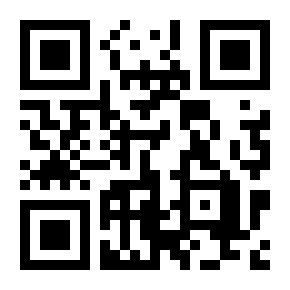
https://chat.tranquilgrid.uk
Scan to chat now
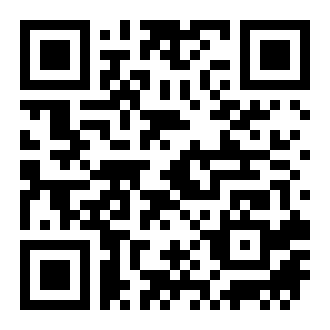
https://cinny.chat.tranquilgrid.uk
Request an account
Fill in the short form and we’ll set up your account manually. You’ll receive your login details by email — if you don’t see it, please check your spam / junk folder.